What Should a Contractor Website Include? A Practical Checklist
Planning a contractor website? Use this practical checklist for service pages, project photos, service areas, quote requests, trust signals, and SEO basics.
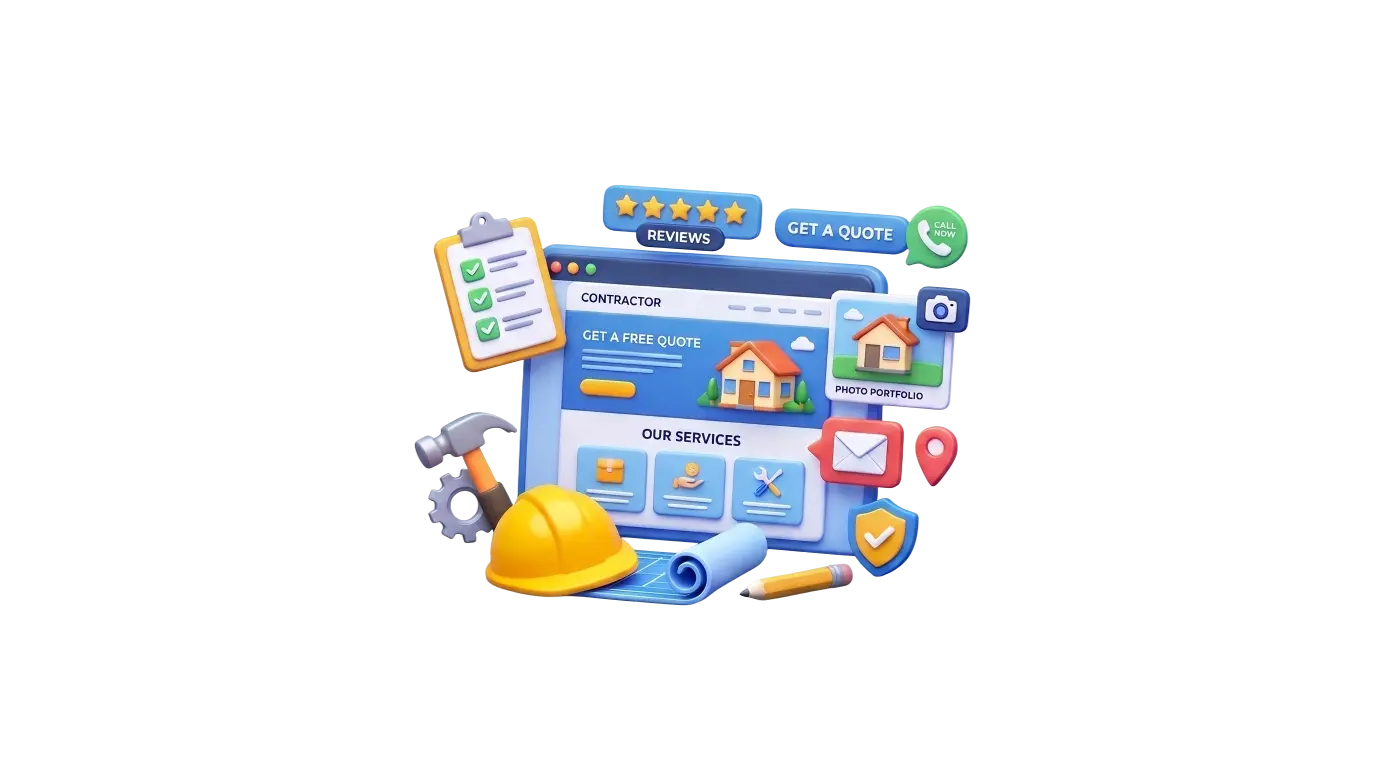
A contractor's website should help prospective customers understand the service, assess whether the company is suitable for the work, check the service area, and make contact. Before adding extra features, prioritize the information people need to decide whether to start a conversation. A useful site can be straightforward; it does not need every possible tool or a page for every town.
1. Explain your services clearly
Visitors should be able to tell which jobs your company takes on, what kinds of customers you serve, and how to ask about a project. Replace broad labels such as “services” with plain descriptions of the work. Mention useful details such as project types, materials, or what is included when they help a customer judge fit. If two services have different requirements or answer different questions, give each enough space—sometimes a dedicated page—to explain them properly.
2. Show the areas you actually serve
State the communities or broader regions your team serves and explain any practical limits customers should know about. This helps a visitor quickly decide whether your company is a realistic option. Keep this information accurate as coverage changes. A list of place names is not a substitute for useful service details, and near-identical pages with only a city name changed give customers little new information.
3. Show real projects and relevant experience
Photos can help customers understand the type of work you do and the finish they might expect. Choose clear, relevant images and add captions that explain the project without overstating your role. Where useful, a short case study can describe the customer's brief, the work completed, and any meaningful constraints. Use only images you own or have permission to publish. Project descriptions, credentials, and results should be genuine, accurate, and authorized.
4. Establish trust with accurate information
Make your business name, ways to contact you, and relevant team or company information easy to find. Genuine customer reviews or testimonials can add context, provided you have permission and represent them accurately. Include applicable licences, certifications, insurance details, or memberships only when they are current and verified. Requirements vary by trade and location, so do not imply that one credential applies to every contractor.
5. Make requesting a quote straightforward
Give customers a clear route to call, email, or send an inquiry. A form may ask what service they need, the general project location, a short description, and how they prefer to be contacted. Choose fields that help your team take the next step; avoid collecting sensitive or unnecessary details. After submission, confirm that the message was received and explain what the visitor can expect next without promising a response time you cannot meet.
Match the inquiry path to the work: a renovation inquiry might benefit from a project description and approximate scope, while a heating-service inquiry may need equipment details. Do not present a routine estimate form as an emergency-response channel unless someone actually monitors it that way. Test where messages arrive, who follows up, and what happens if a submission fails before publishing the form.
6. Make the website easy to use on a phone
Customers often look up a contractor while they are away from a desk. Check that text is readable, navigation is easy to understand, and buttons have enough space to tap. Make telephone links work, keep important contact options easy to locate, and test every form on a phone. The page should make sense without relying on hover effects, tiny text, or wide images that are difficult to view.
7. Build useful service pages, not dozens of thin pages
A separate service page is useful when the work deserves its own explanation, questions, examples, or inquiry path. A distinct service may call for different project details than a general contractor page. By contrast, creating dozens of pages that repeat the same text with individual location names changed is unlikely to help customers. Each page should offer a clear reason to exist and useful information for the people it is meant to serve.
8. Get the search and technical basics right
Use descriptive page titles and helpful headings that match the visible content. Make important pages reachable through crawlable internal links, provide suitable image sizes and meaningful alternative text when an image conveys information, and check that key pages can be indexed. Review mobile usability and performance as part of launch testing. These are sound foundations, not a guarantee of search rankings; visibility also depends on the content, competition, and ongoing work.
For broader on-page and technical considerations, see the small-business website checklist. If you need a new site or a redesign, you can also explore our web development and SEO services.
Small-business website fundamentals checklistWeb design and development servicesSEO and search visibility servicesA practical contractor website launch checklist
- Main services are immediately clear.
- Service-area details are accurate.
- Important services have sufficiently detailed content.
- Project photographs and claims are genuine.
- Contact details and inquiry forms work.
- The layout and primary actions work on mobile.
- Page titles, internal links, and metadata have been checked.
- Calls and form submissions can be measured if tracking is configured.
- Ownership, hosting, and post-launch support are understood.
Build around the way your business wins work
The right website depends on your services, customers, and inquiry process. Start with the information that helps a prospective customer make an informed decision, then add functionality when it supports a real business need. For a contractor-focused overview of the design and development process, visit our contractor website design page.
Website design for contractors and trades businesses